
Insights
The OEE module in OptiPeople Data Platform: See where efficiency is lost
by OptiPeople Team
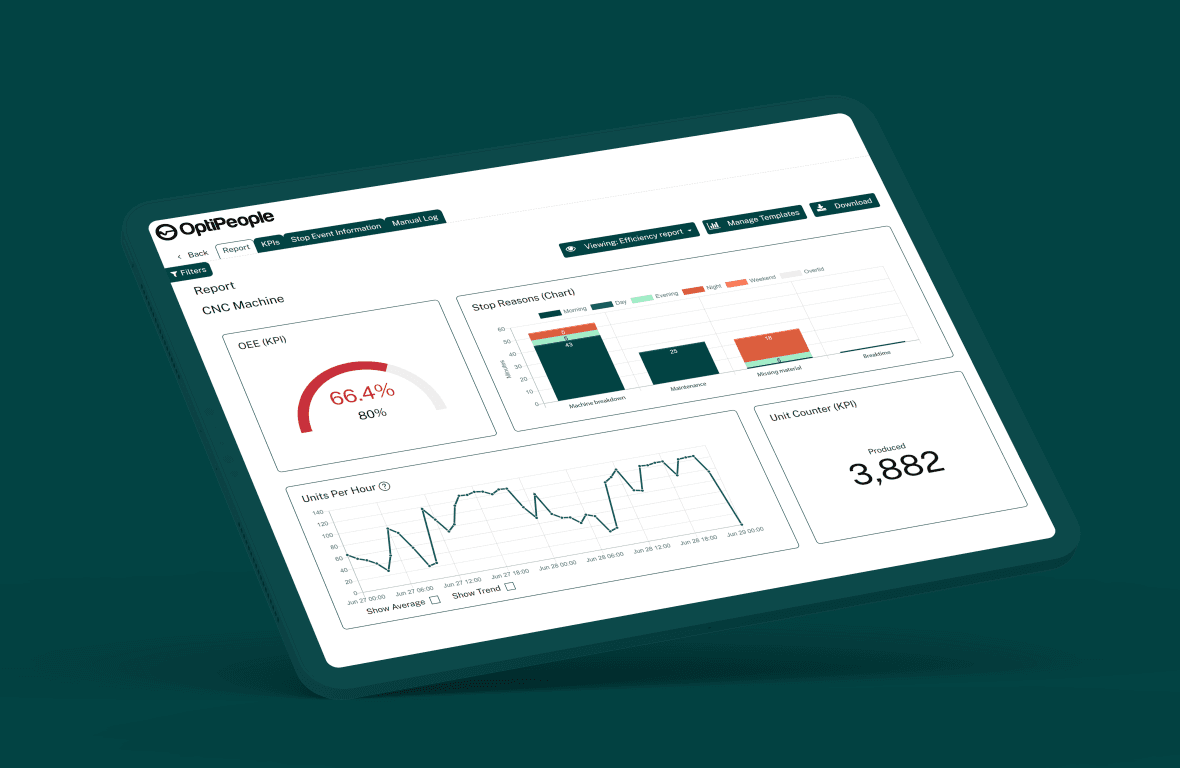
OEE from the machine, not from a spreadsheet
Overall Equipment Effectiveness, or OEE, tells you how much of your planned time turns into good parts. The OEE module in OptiPeople Data Platform measures it from the machines themselves and combines availability, performance and quality into one number.
What you get
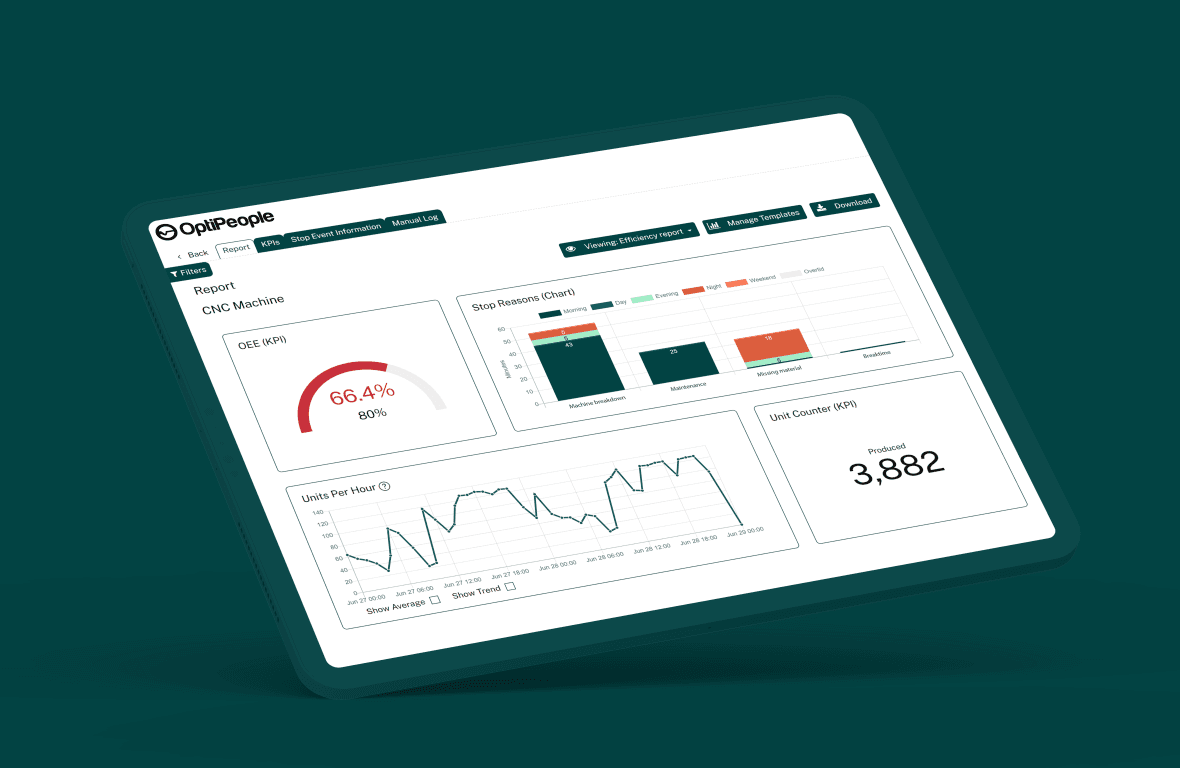
Live numbers: Machine state and unit counts come in while the shift runs, so you can act on a change before the shift is over.
Reports that explain the number: The OEE report shows availability, performance, quality and OEE per machine. Next to them you get shift time, run time, planned and unplanned stop time, the number of stops, produced and rejected units per counter, and the biggest stop reasons. Pick a week or a range of days, and narrow it to the shifts you want.
The standard formula: OEE = Availability x Performance x Quality. Each part is measured against the targets you set for the machine.
Video: OEE real-time and historic walkthrough
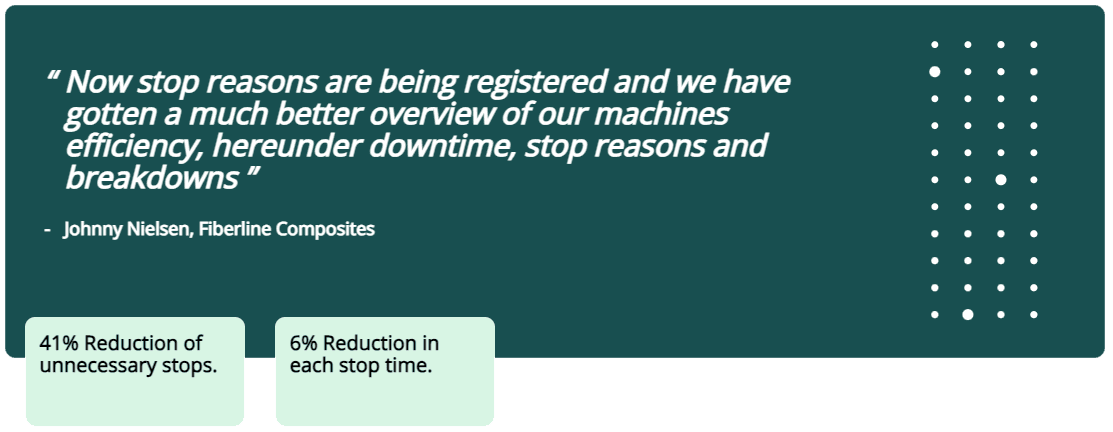
A case from one of our customers
How to use the module, step by step
Step 1: Connect the machines
- Each machine is connected through a device that sends its state and unit counts to the platform. Shifts are set up per factory, so the numbers follow your actual working hours.
- Operators register stop causes at the machine, on the operator panel. That is what turns "the machine stopped" into "the machine stopped for a tool change".
Step 2: Understand your OEE score
- Availability: How much of the planned time the machine actually ran.
- Performance: How fast it ran compared with the speed it is expected to run at.
- Quality: How many of the units produced were good.
Step 3: Find the losses
- Use the OEE report to see which stop reasons cost the most time, how planned and unplanned stops compare, and how shifts differ.
Step 4: Act on what you see
- Plan maintenance, fix bottlenecks, shorten setups and go after the quality problems the numbers point to.
Step 5: Measure, learn and repeat
- Follow the numbers over time, check whether the change worked, and keep adjusting.
The OEE module is more than a report. It shows you where the time goes, so you know where to start.