Data collection starts at the machine. Control should too
When your production system and your machine control live in separate worlds, gaps appear. Operators work without feedback. Events go unrecorded. Start and stop times drift from reality. OptiPeople connects directly to the machine control layer, so the digital system and the physical factory move together.
See capabilities
From machine and workstation data to operator action and back
A two-way connection between your production system and every machine on the floor.
01
Secure machine authentication
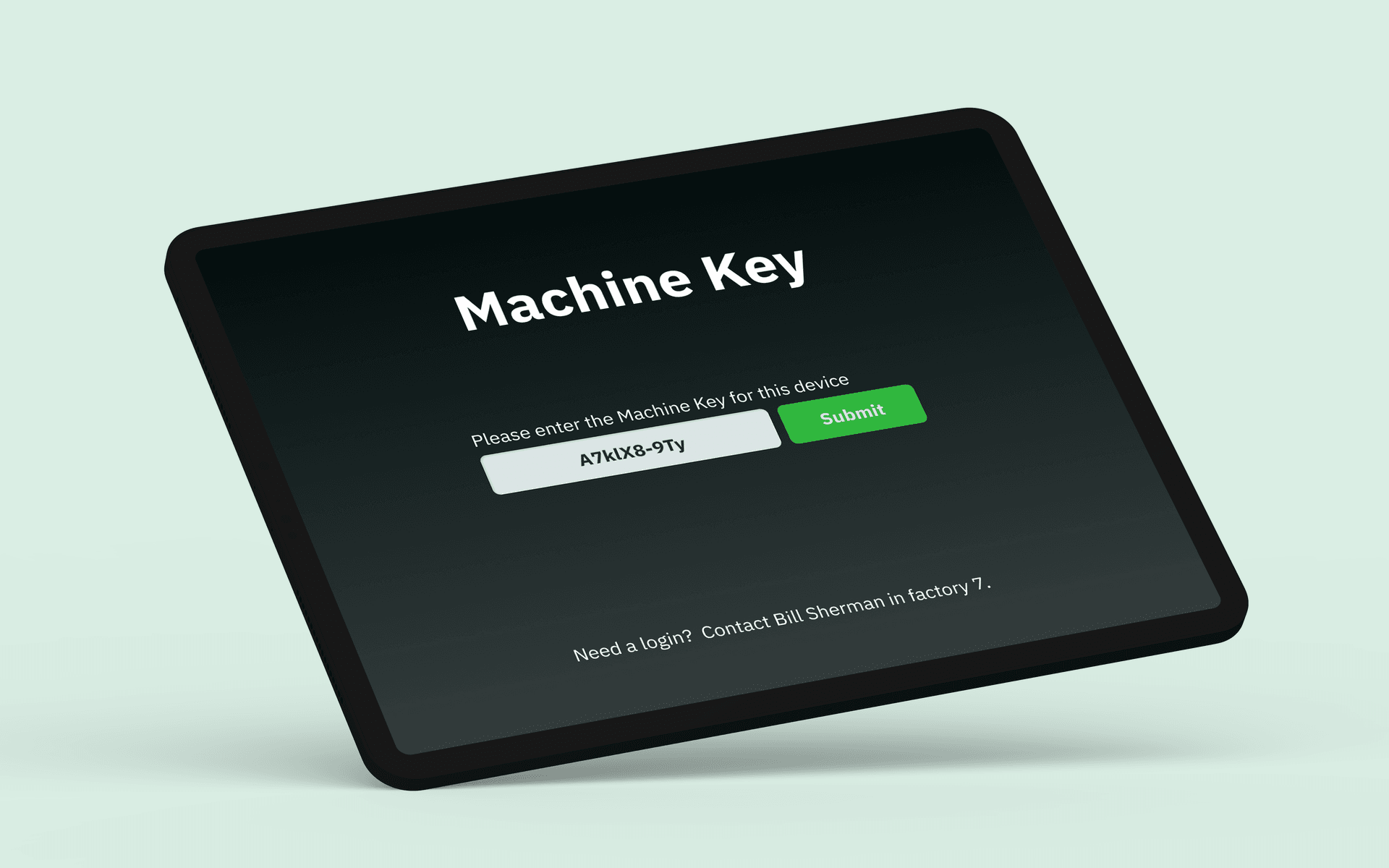
Every operator authenticates at the machine with a unique key before starting production. You know who is running what, when, and on which machine, creating accountability and traceability from the first moment of a shift.
02
Start, stop, and status in one place
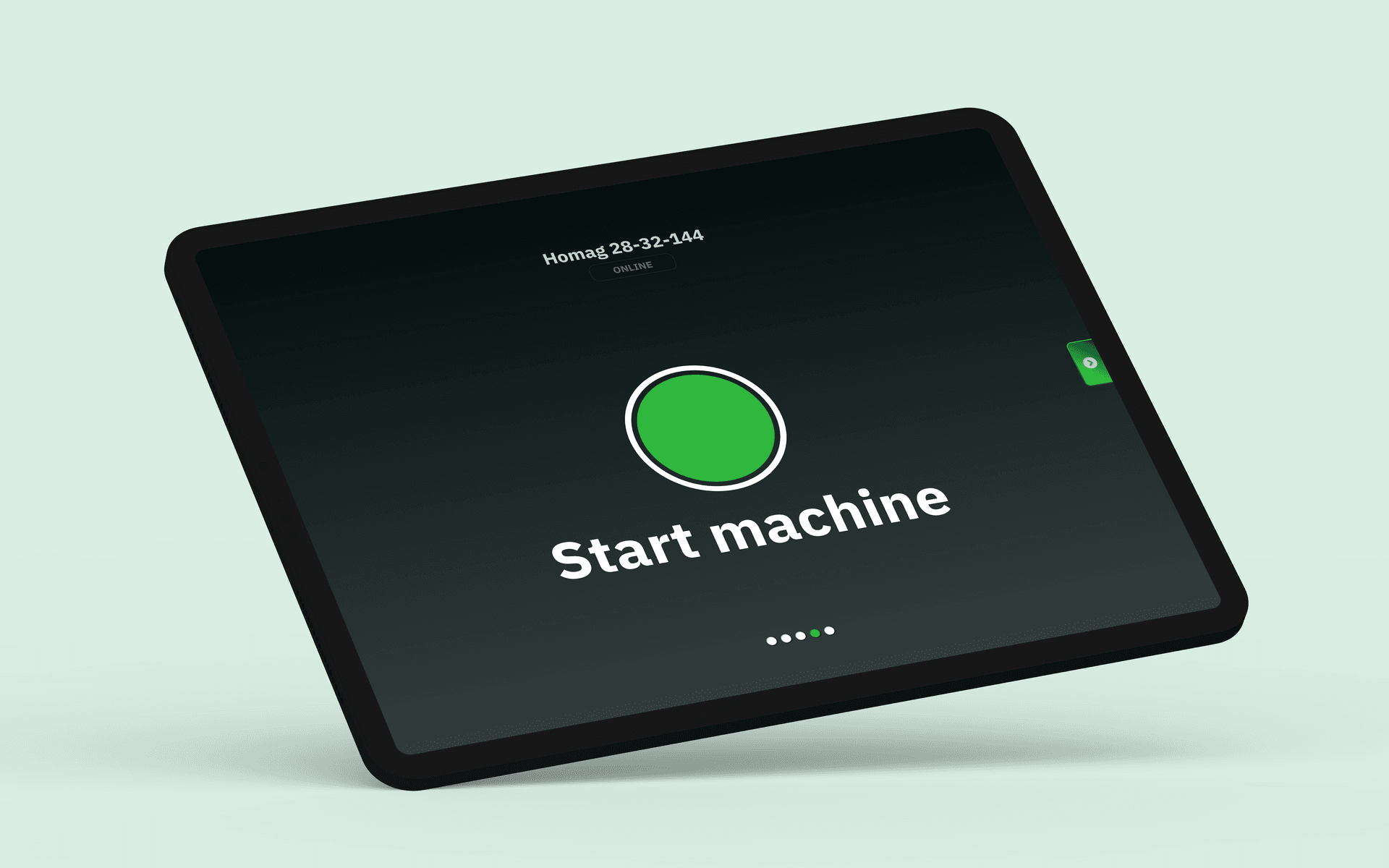
Operators control machine start and stop directly from the panel. The system confirms the machine is ready, the operator is authenticated, and all prerequisites are met. One tap to start production, with a full digital trail.
03
Real-time feedback to the floor
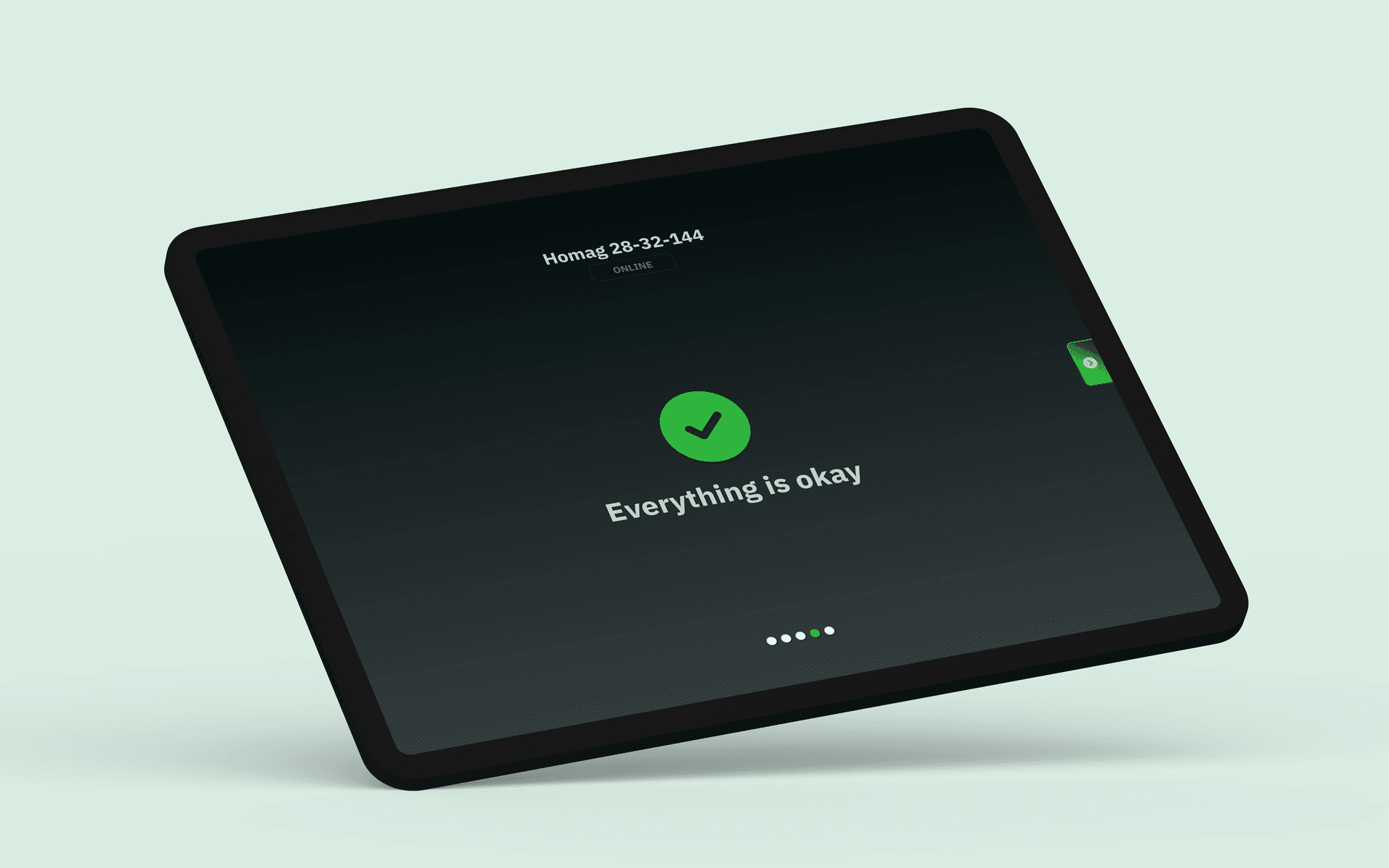
Machine status flows back to the operator in real time. Green means everything checks out. When conditions change (a sensor threshold, a quality alert, or a maintenance trigger), the operator sees it immediately. No surprises, no lag between event and awareness.
Product view
The route step being run, and the files that go with it
An order does not arrive at a machine on its own. It arrives as one step on a production route, with the NC program, the setup sheet, and the drawing revision that belong to that step, on the machine the operator is authenticated at.
WO-10487Sliding door SD-2 · 6 pcs · route: Timber door lineStep 3 of 6
Route · entity
Wood SawCut list CL-77 · Rev 306:12Done
PlanerSetup sheet · Rev 407:48Done
Door PressNC program DP-88-204 · Rev 1209:20Running
Hinge RouterNC program HR-88-204 · Rev 711:05Next
SandingWork instruction · Rev 212:40Planned
Final QCControl plan · Rev 914:10Planned
Executing on Door Press
Running since 09:20Operator authenticated · 4 of 6 pcs reportedStop