OptiPeopleOptipeople

Order management

Every order, from plan to finished product

Orders are the basis for both planning production and executing the plan. Operators see what to run next, with the work order instructions and standard operating procedures that belong to it, and report quantities and scrap where the work happens.

The work order list on the panel at the machine or workstation

Typical results

0
ERP integrations required to start
1 screen
For the operator: what to run, how, and what was made
Every order
Traceable to machine or workstation, operator, shift, and batch

The order is where planning and the floor meet

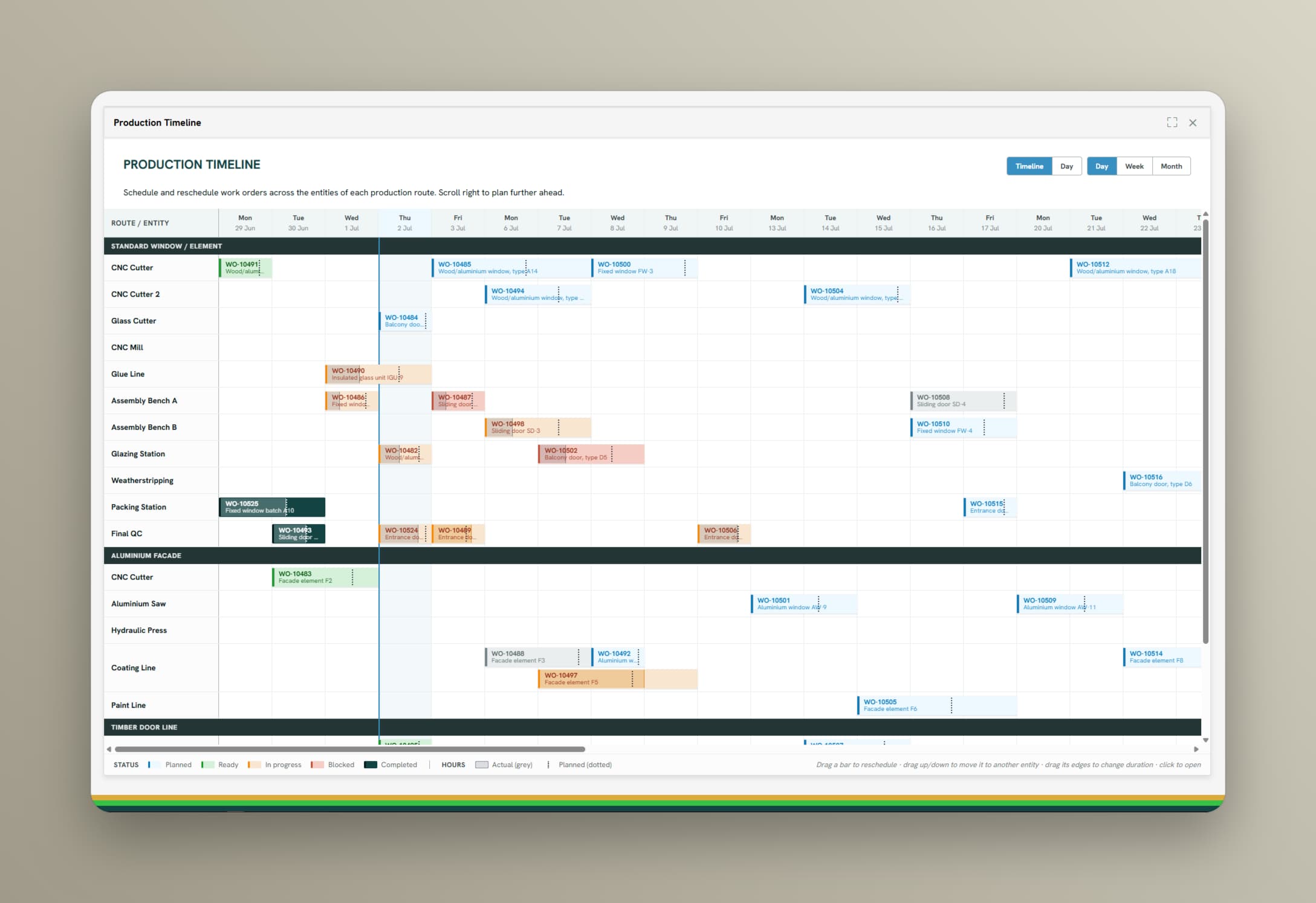
In many factories the order lives in three places: the ERP, the planner's spreadsheet, and a printout at the machine. None of them agree by the afternoon. When the order itself carries the plan, the instructions, and the registrations from the floor, everyone works from the same order, and every finished job leaves real run times, real output, and full traceability behind.

See capabilities

From order list to finished job

One screen at the machine or workstation for everything the operator needs to run the order, and one record behind it that planning, quality, and management read from.

01

The order list for this station

Filtered to the machine or workstation in front of you, in priority order, with quantity, product, and due date. Start the job, stop it, and register why it stopped, without anything to learn beyond the buttons an operator needs.
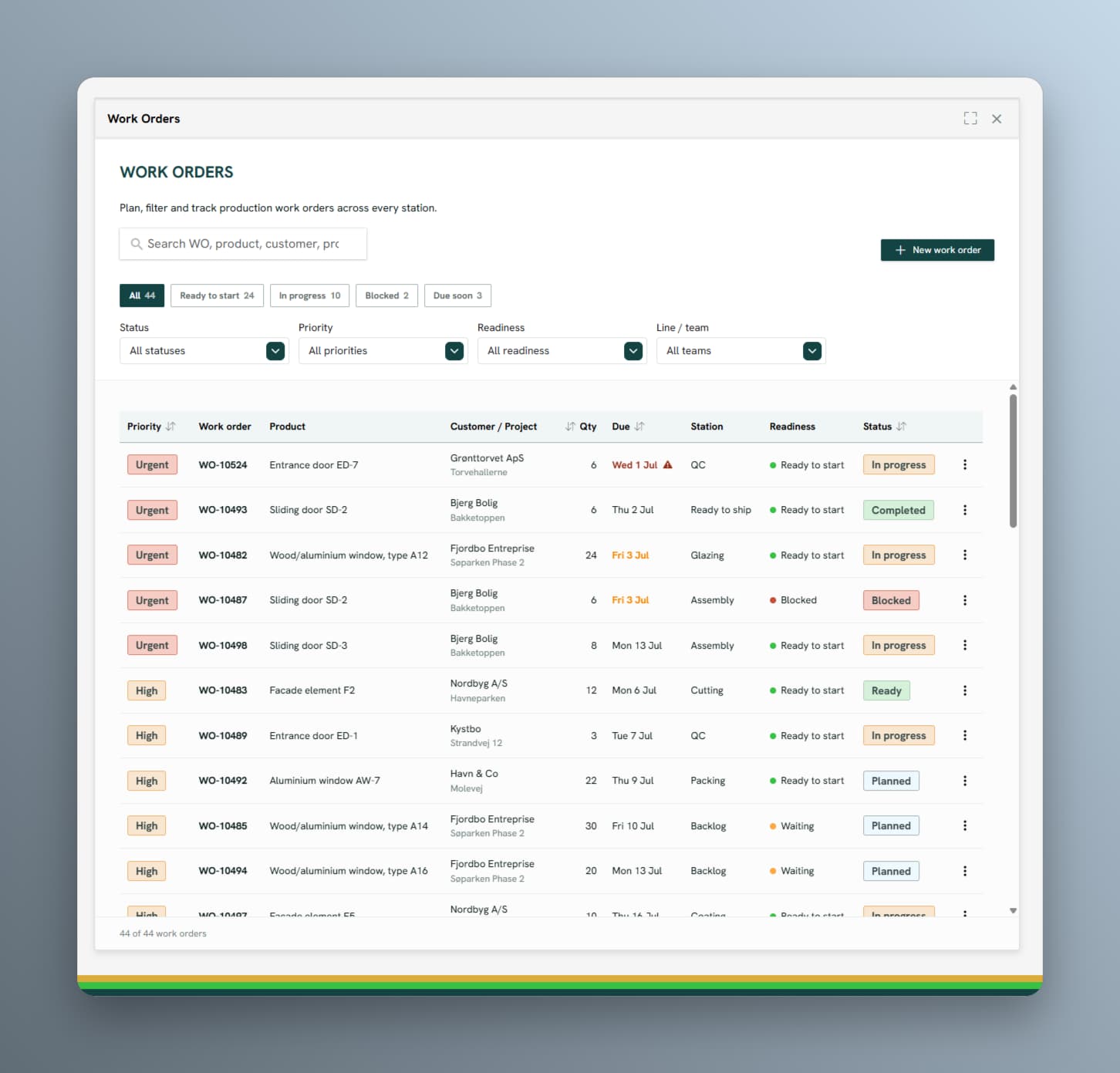
Work order list with priority, product, quantity, and due date
02

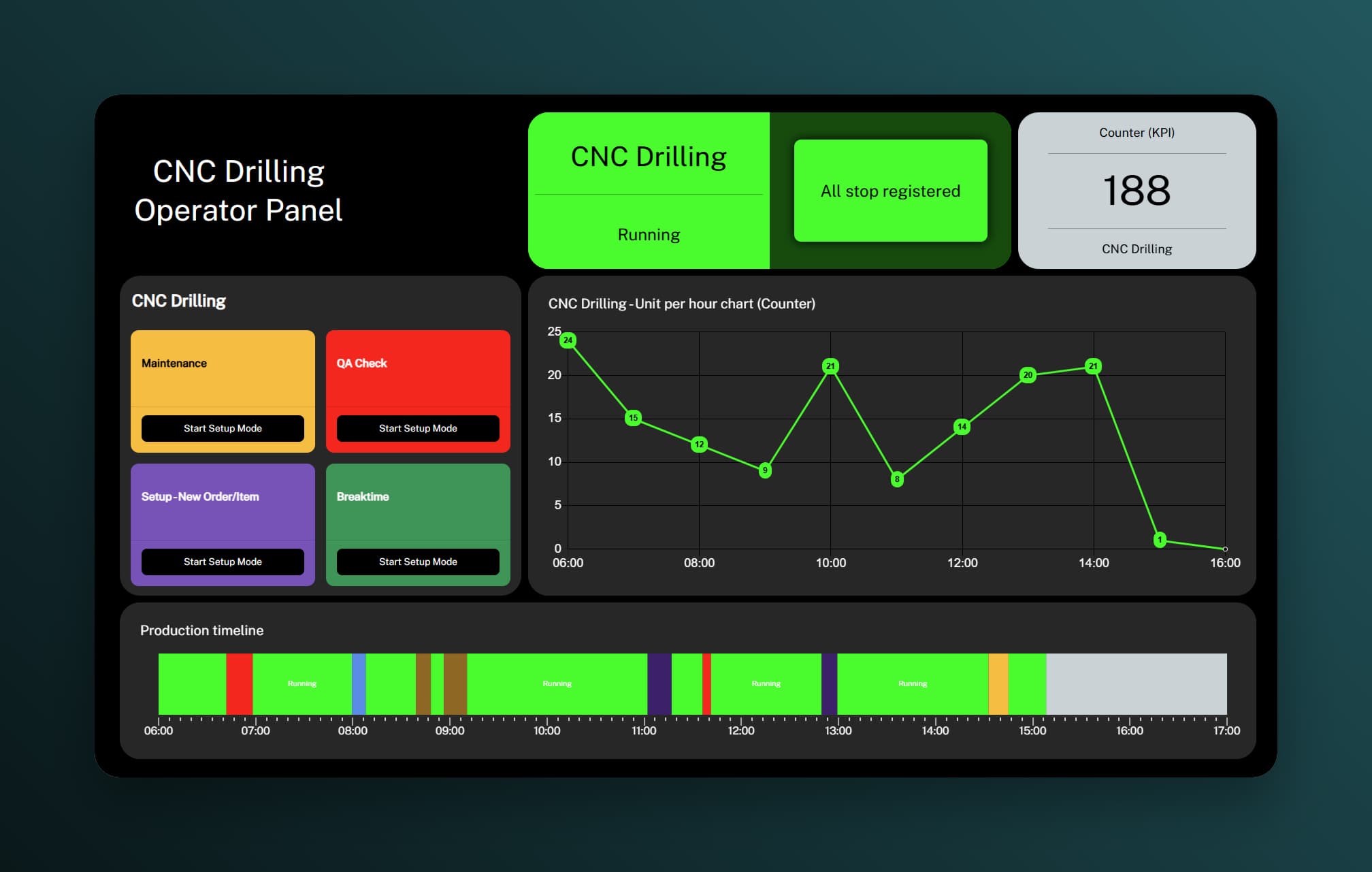
Work order instructions and SOPs

Each order brings its work order instructions and standard operating procedures to the machine or workstation, in the version that applies. The plan is executed the same way every time, whoever is on shift.

Operator panel at the machine or workstation
03

Quantities, scrap, and traceability

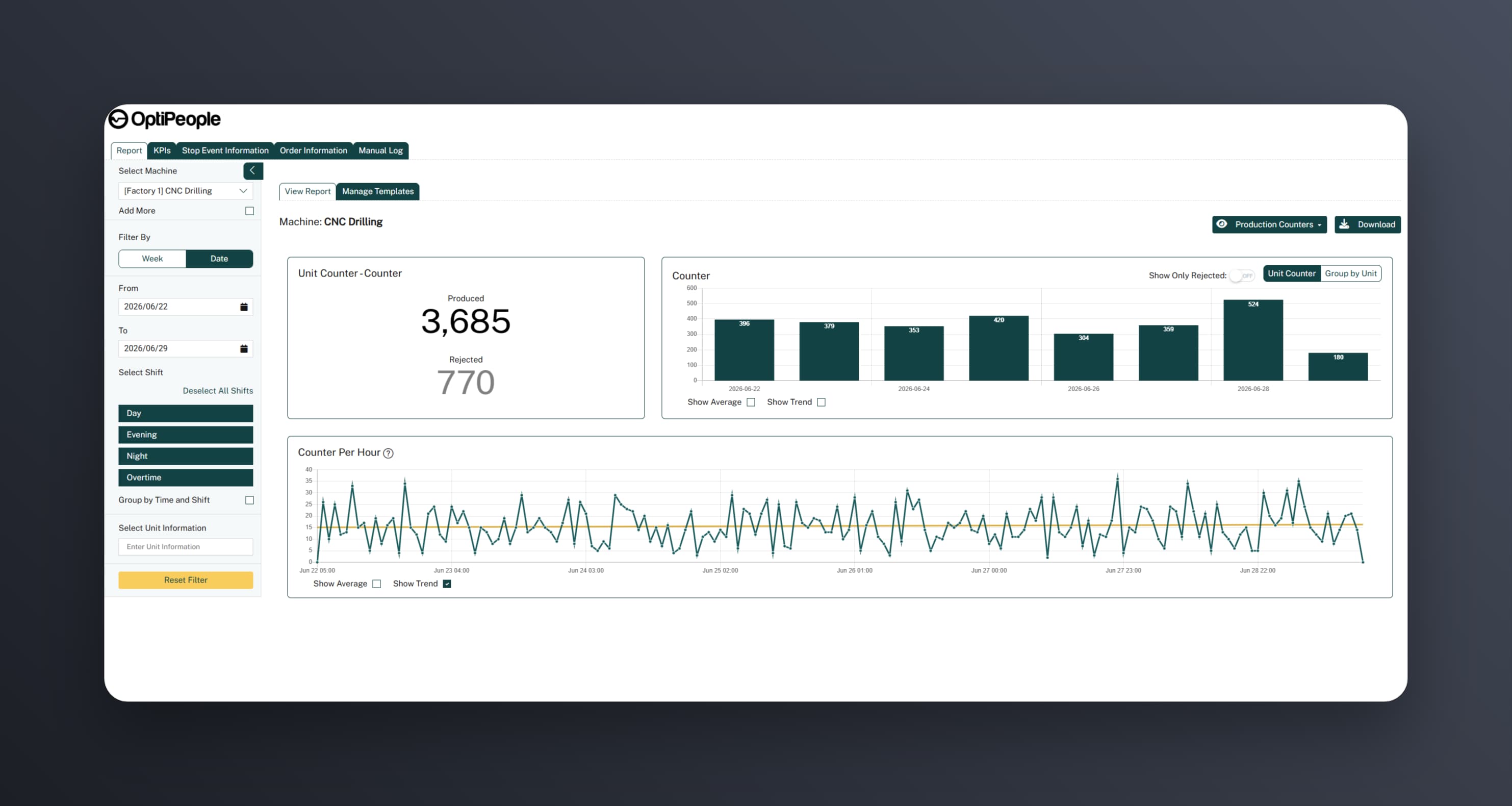
Good parts, scrap, and reason codes are registered as the job runs. Every order records which machine or workstation ran it, which operator, which shift, and which batch, so a finished product can be traced back through production.

Produced and rejected totals per order with an hourly output trend

Product view

With or without an ERP

Create and manage orders in the platform itself, or sync them two ways with your ERP so orders flow down and actual quantities, scrap, and times flow back.

Work orders in OptiPeople Data Platform

Other relevant features

Turn insight into action

We help you get your orders produced.