
01
The machine tells you first
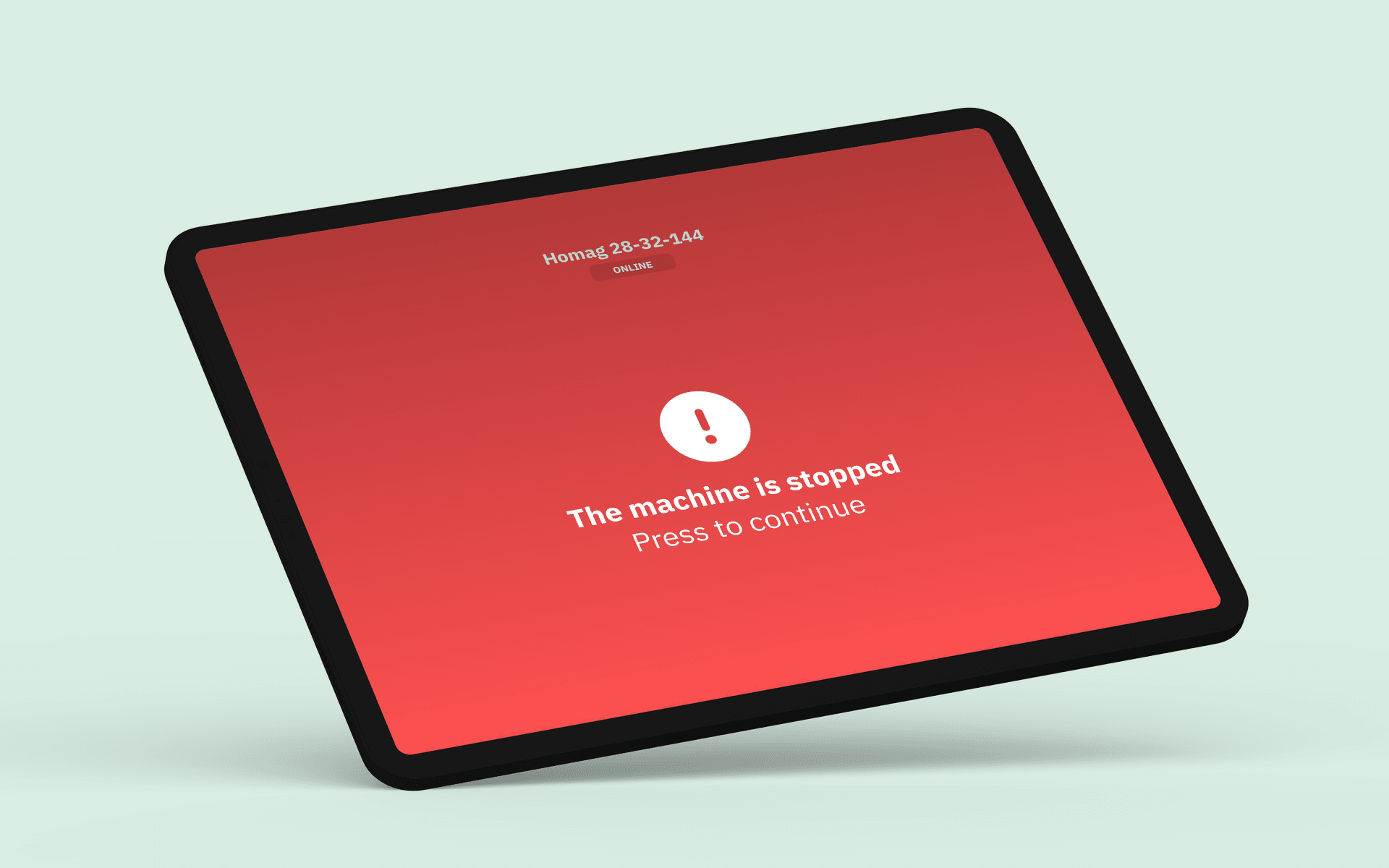
When a machine stops, the operator panel turns red immediately. No ambiguity, no delay. The operator taps the screen to acknowledge the stop and begin registration, right there, right then, while the context is fresh.
Stop cause registration
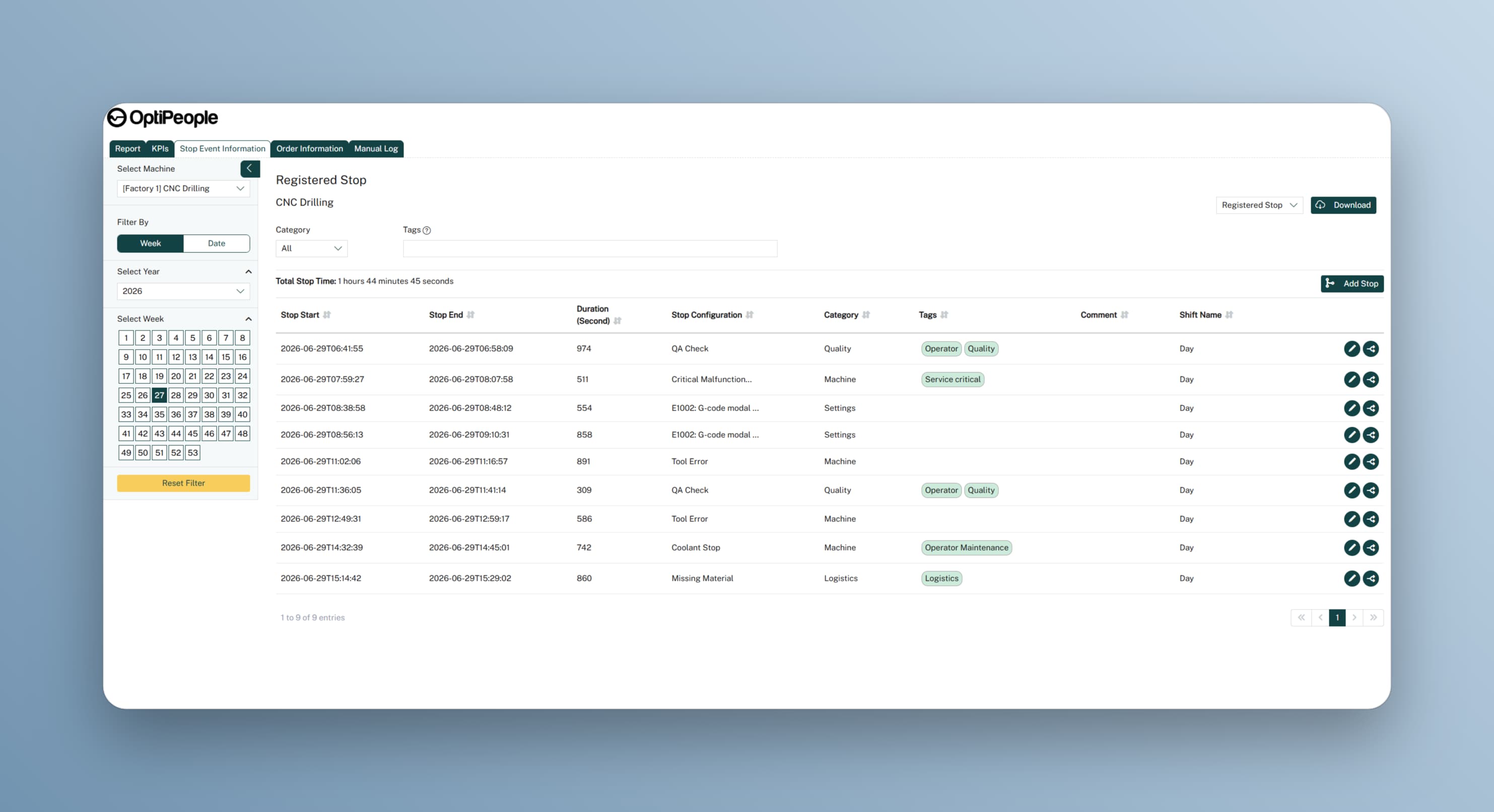
Operators register stops directly at the machine or workstation, while the context is fresh. You get clean, structured data you can actually act on.
Typical results
Most downtime goes unrecorded or gets lumped into vague categories after the fact. Without clean stop data, improvement projects are based on gut feeling instead of evidence. Stop Cause Registration captures every stop, every reason, every time, so you know exactly where to focus.
See capabilities
A three-step flow that turns every downtime event into data your team can learn from.
When a machine stops, the operator panel turns red immediately. No ambiguity, no delay. The operator taps the screen to acknowledge the stop and begin registration, right there, right then, while the context is fresh.
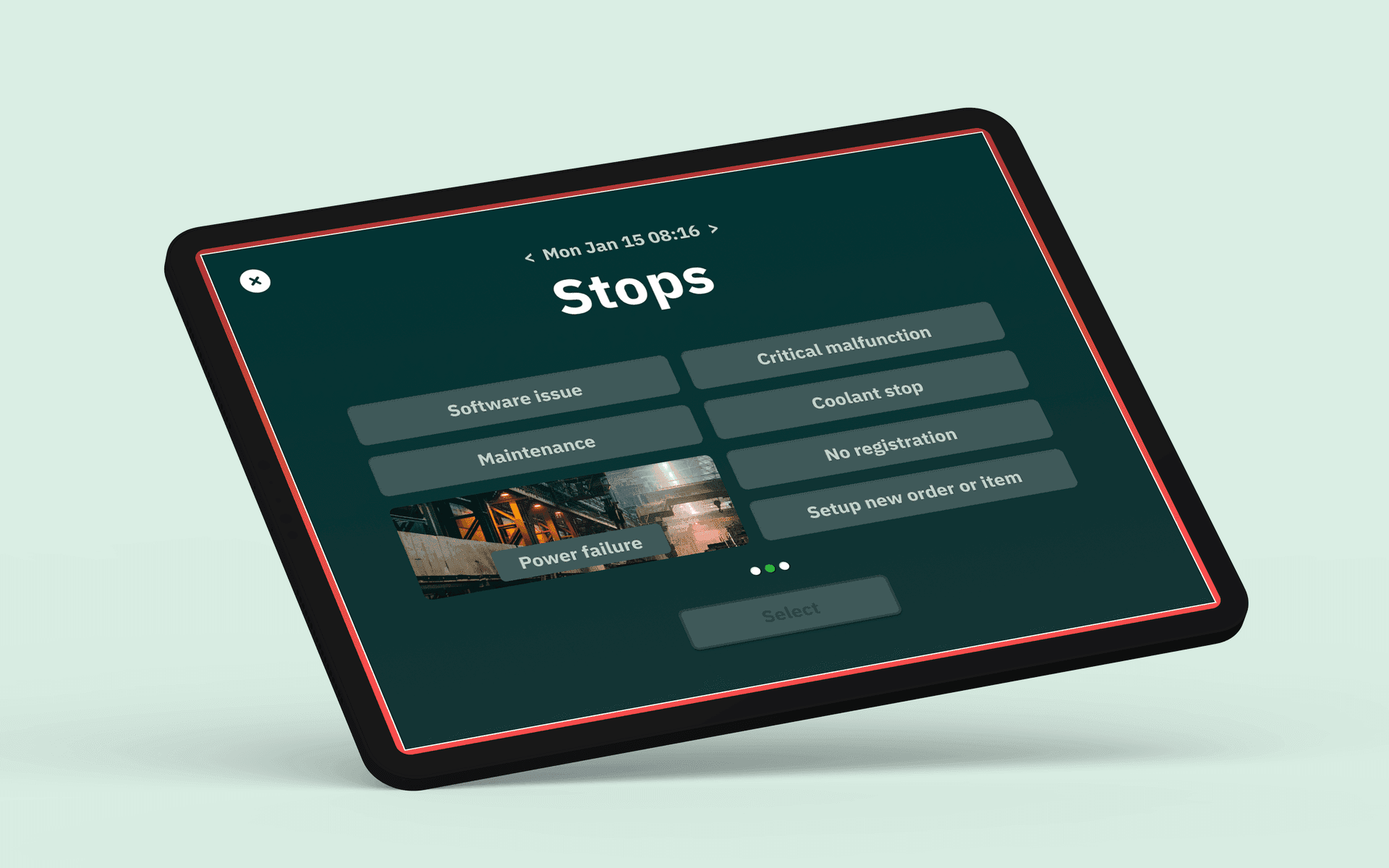
Operators pick from a predefined list of stop causes, tailored to each machine or workstation. Setup, tool change, material wait, malfunction. Each entry captures the reason, duration, and optional notes. The result is structured data, not free-text guesswork.
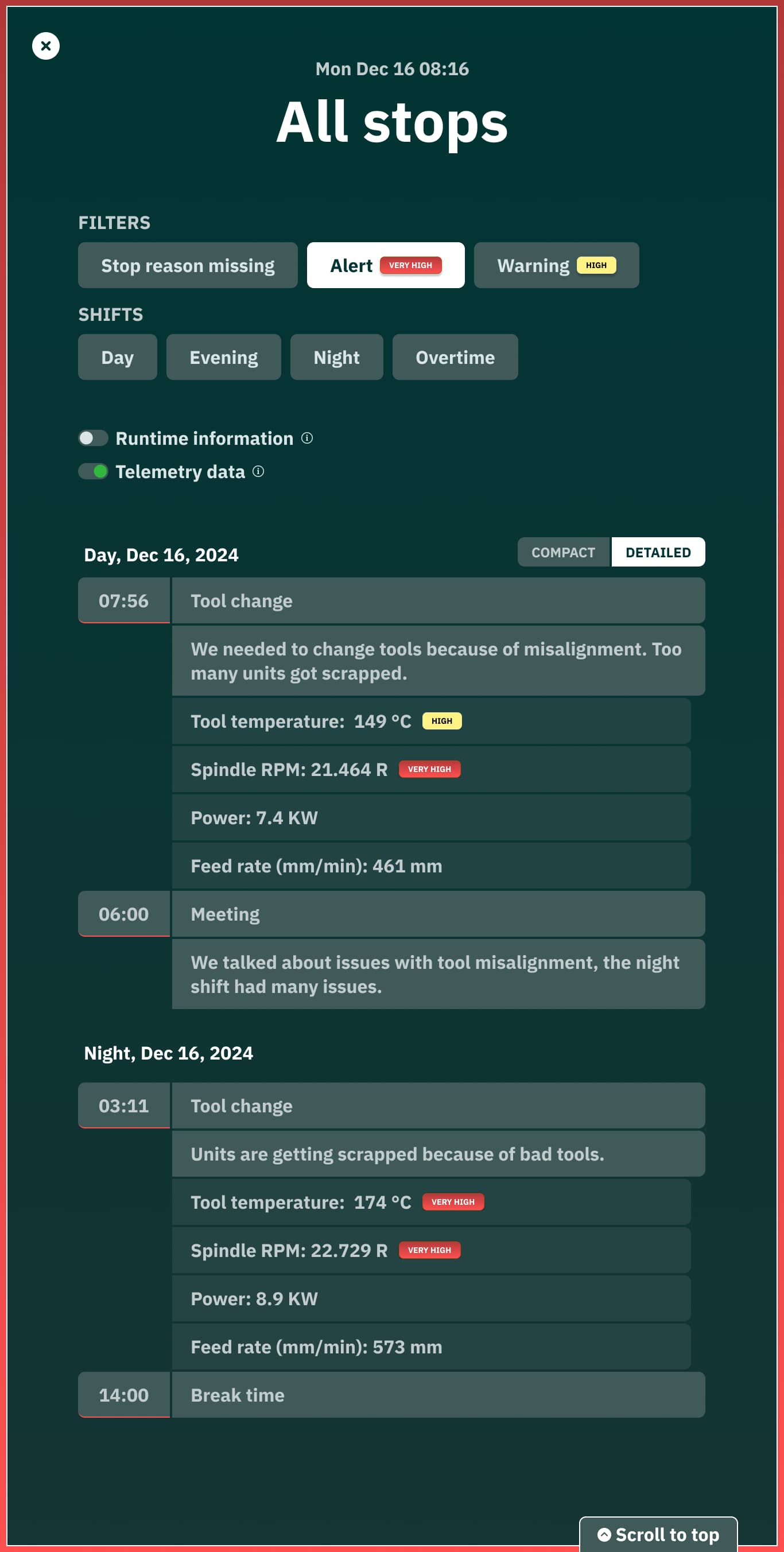
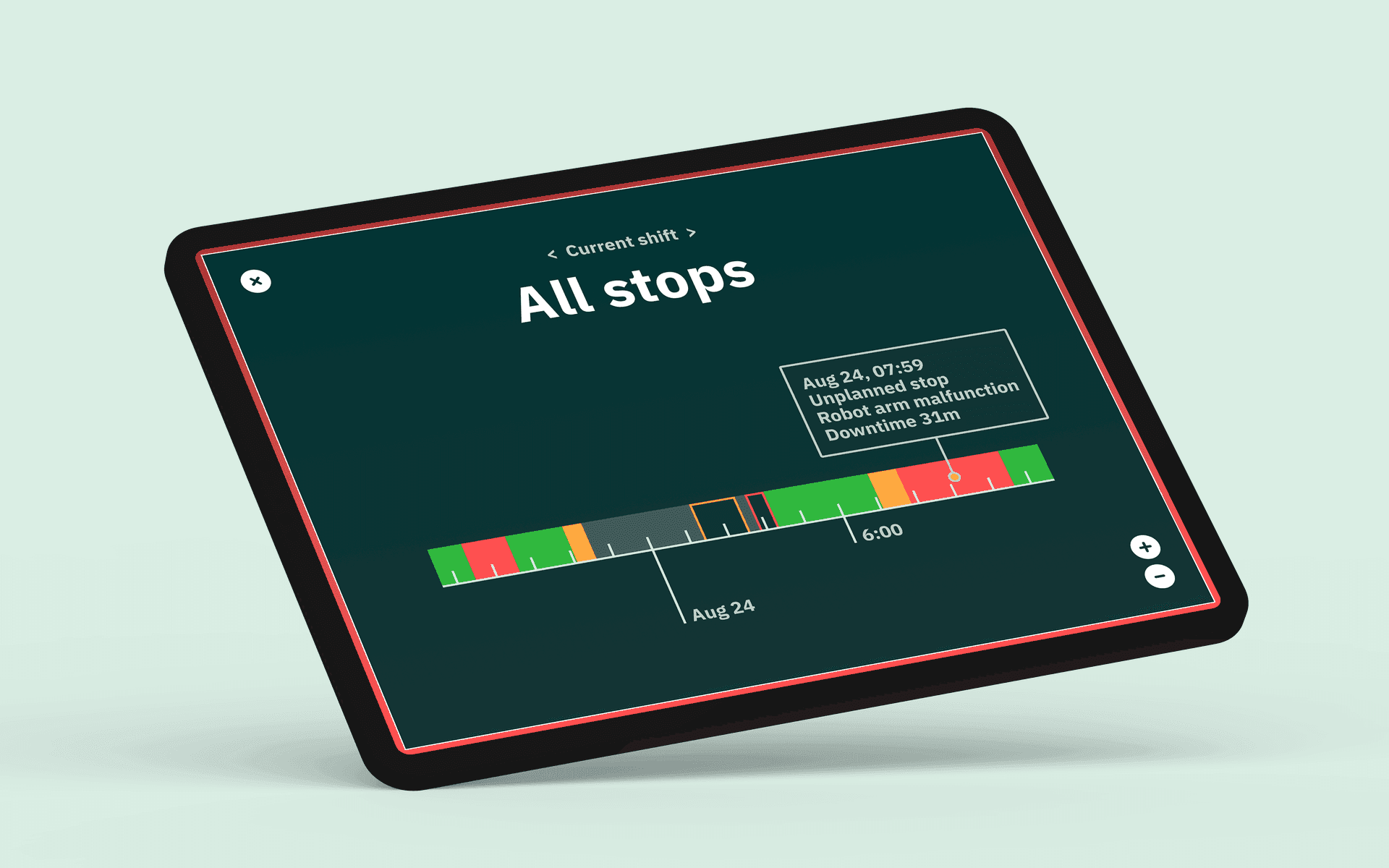
All stops appear on a color-coded timeline, filterable by shift, machine or workstation, and severity. Hover over any block to see exactly what happened, when, and for how long. Patterns that were invisible in shift handover notes become obvious at a glance.
Product view
Every registered stop flows into your production dashboard. Machine status, timelines, and performance metrics update in real time, giving the full story behind the numbers.
Track OEE live and understand performance across shifts, lines, and machines or workstations.
Plan and execute preventive maintenance based on usage and condition.
Turn production data into clear reports on performance, losses, and cost drivers.