
Insights
Dashboards (v51)
by OptiPeople Team
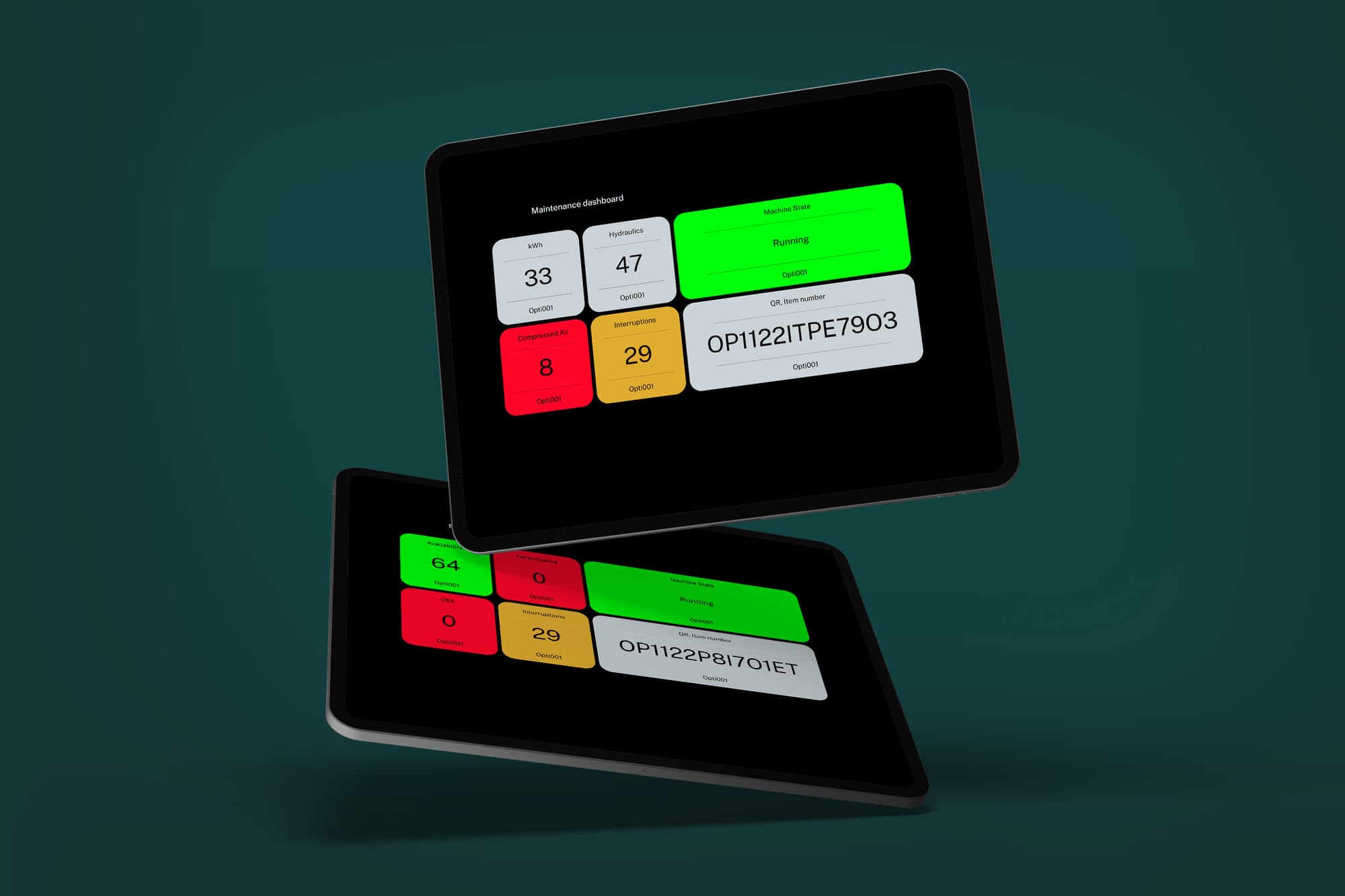
Version 51 introduced a new concept in OptiPeople Data Platform: custom, flexible, real-time dashboards.
The concept was created to solve two problems:
- Customers use the platform in very different ways across the organization.
- Sharing data is often harder than it should be.
Solving the first problem
OptiPeople Data Platform is used by many kinds of roles:
- operators
- technicians
- SCADA programmers
- lean managers
- foremen
- executives
They all want better production performance, but they need different views of the same factory data.
Creating a dashboard
You can create as many dashboards as you need.
To create one:
- Go to
Dashboardin the home navigation after logging in. - Press
Addin the top right corner. - Give the dashboard a name.
- Add widgets for the machines and data points you want to track.
- Drag, drop, resize, and arrange them as needed.
- Press
Save, thenView.
Why this matters
A system like this makes it possible to build dashboards for different purposes very quickly.
Examples include:
- maintenance dashboards for technicians
- efficiency dashboards for OEE KPIs
- operator views for machine status
- management overviews for bottlenecks and throughput
The widgets can also change color depending on what is defined as critical, normal, or strong performance, making it easier to understand the production state at a glance.